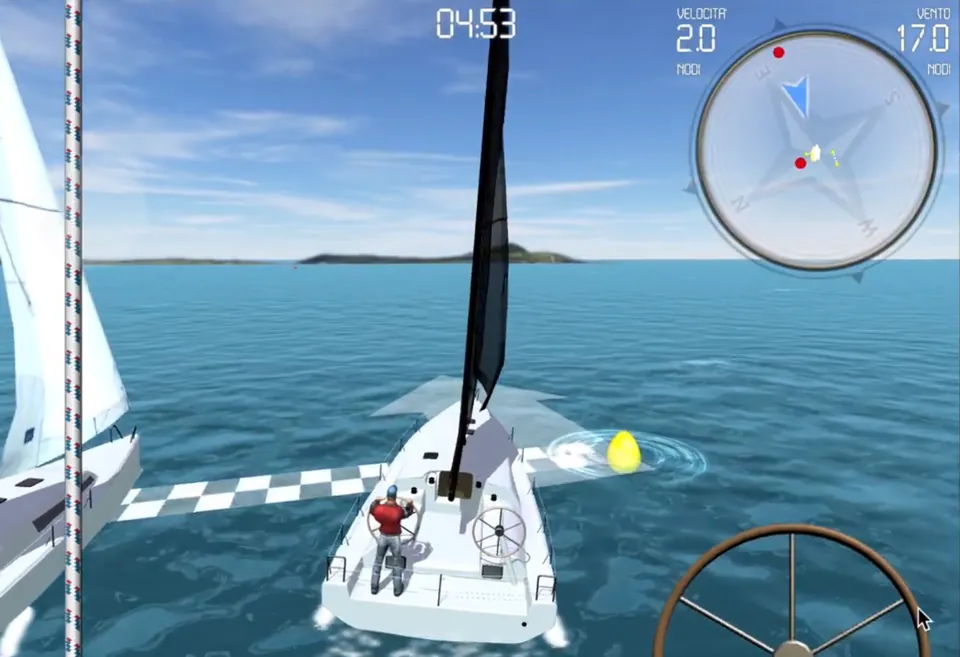
eSailingCup, multiplayer sailing simulator
Real-time online regattas with a built-in social network, for Android and iOS.
ReadZillitronVR brings the Zillitron to Meta Quest: an organ of magnetic keyboards and a guitar, played with bare hands in browser-based virtual reality.
The Zillitron is my long-standing musical instrument prototype: an Epiphone guitar body housing an Artiphon Instrument One, a Roli Seaboard Block, a Genki Wave Ring, an Arduino Nano 33 BLE, a Bose speaker and a laser distance sensor.
 Watch the video: The Zillitron – introduction video
ZillitronVR is its version for Meta Quest. The idea is the same, new ways to play, but without hardware: no controllers, just your hands tracked by the headset. You play inside a 3D scan of a rehearsal room, on an organ made of magnetic keyboards or on a guitar.
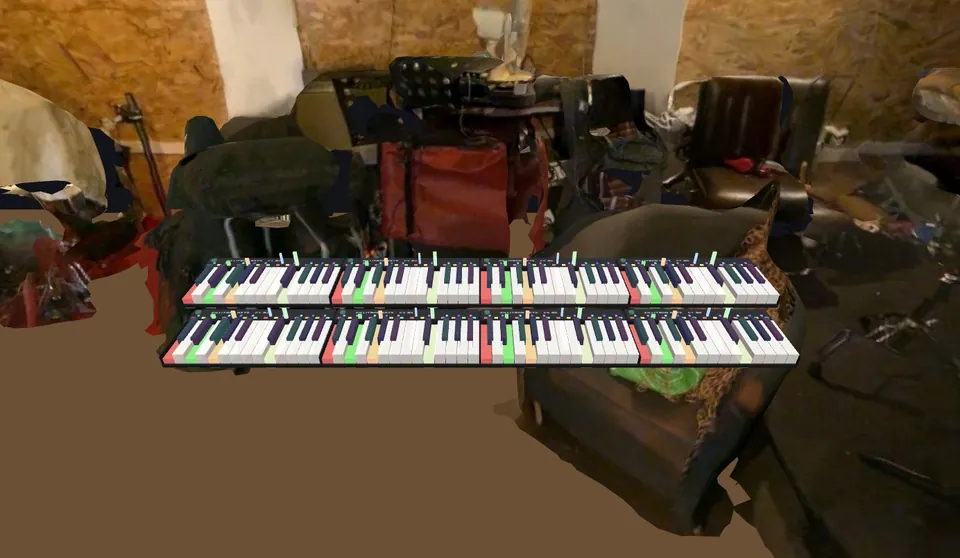
When it opens there are two rows of four keyboards, like the two manuals of a Hammond organ. Each keyboard has two octaves and the dimensions of the ROLI LUMI Keys; the rows are laid out with the distances of a Hammond B-3: the upper manual sits higher and further back than the lower one.
Like real LUMIs, the keyboards are magnetic: bring one up to the side of another and it snaps on, and the octaves become consecutive. Snapped keyboards play as a single keyboard, up to the limits of the MIDI note range. You move them by pinching the key-free strip at the back: one hand pulls a single keyboard off, two hands on two keyboards of the same row move the whole row.
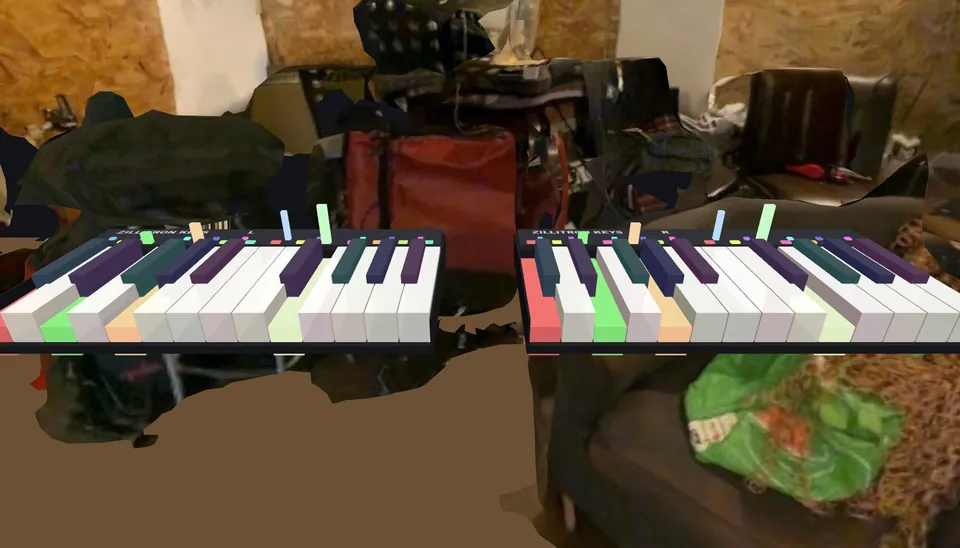
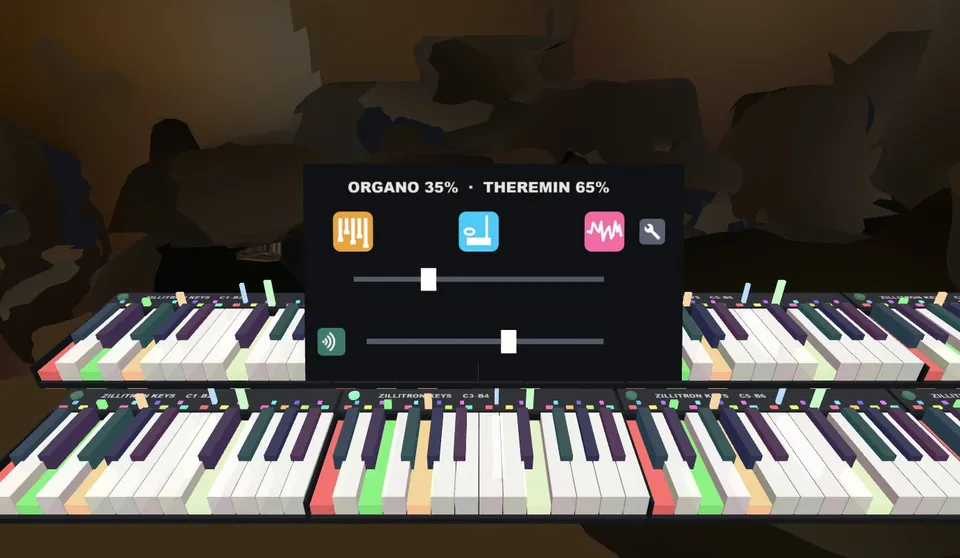
Each keyboard's power button opens its menu: the background blurs and darkens, leaving only the controls.
Each instrument uses aftertouch its own way: on the organ it speeds up the Leslie, on the theremin it deepens the vibrato, on the sample it makes the sound narrower and louder.
From the CHANGE poster you can choose what to hold in each hand: keyboard or guitar. The guitar is built from a photo of a real classical guitar: the frets in the photo line up with those of the 3D model. It sits on the axis between your two thumbs and rotates with your left wrist, as when you hold a real one; pinching with both hands for half a second keeps it where it is.

When your hands are busy playing, buttons you have to touch get in the way. So the general controls are concert posters on the wall: look at one, it lights up, and after one second the option is selected.
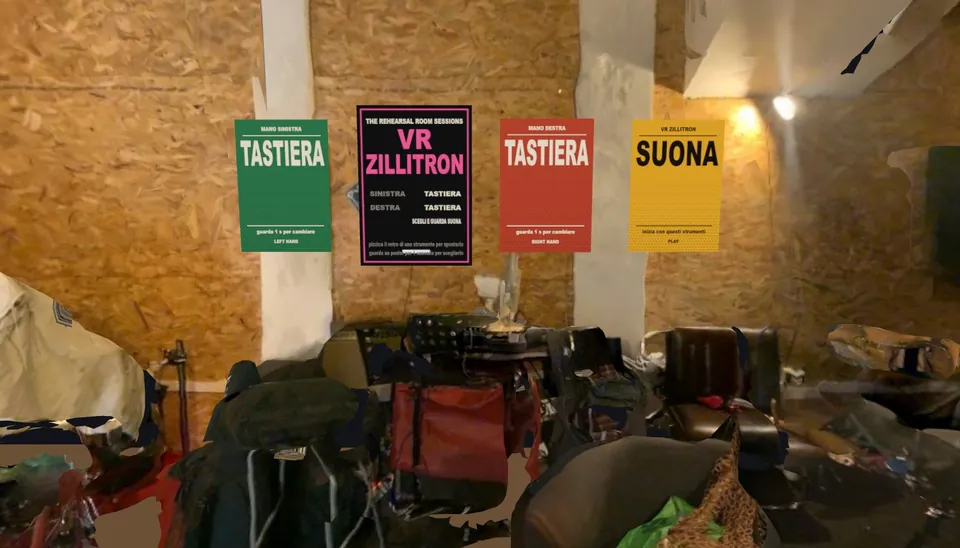
You play inside a 3D reconstruction of a real rehearsal room. I cleaned up the scan in Blender: removed loose fragments, closed holes, rebuilt the floor and ceiling and lightened the geometry so it runs smoothly on the headset. The virtual floor matches the real one.
ZillitronVR runs in the headset's browser with WebXR: nothing to install, you just open a page. The graphics are in Three.js, the sounds are generated with the Web Audio API and the rehearsal room was prepared in Blender.
Credits: guitar photo "Classical Guitar two views" by Martin Möller (Wikimedia Commons, CC BY-SA 2.0 DE); FluidR3 GM guitar samples.
Real-time online regattas with a built-in social network, for Android and iOS.
Read
A pixel-art arcade game that relives Pink Floyd's Venice concert, set to the Pitura Freska song.
Read
A VR action observation therapy, built so that the rehabilitation outcome is maximised and repeatable.
ReadI work as a freelancer with companies, research institutes, museums and schools, in Italy and remotely across Europe. Drop me a line or give me a call.